Design system
UI/UX design
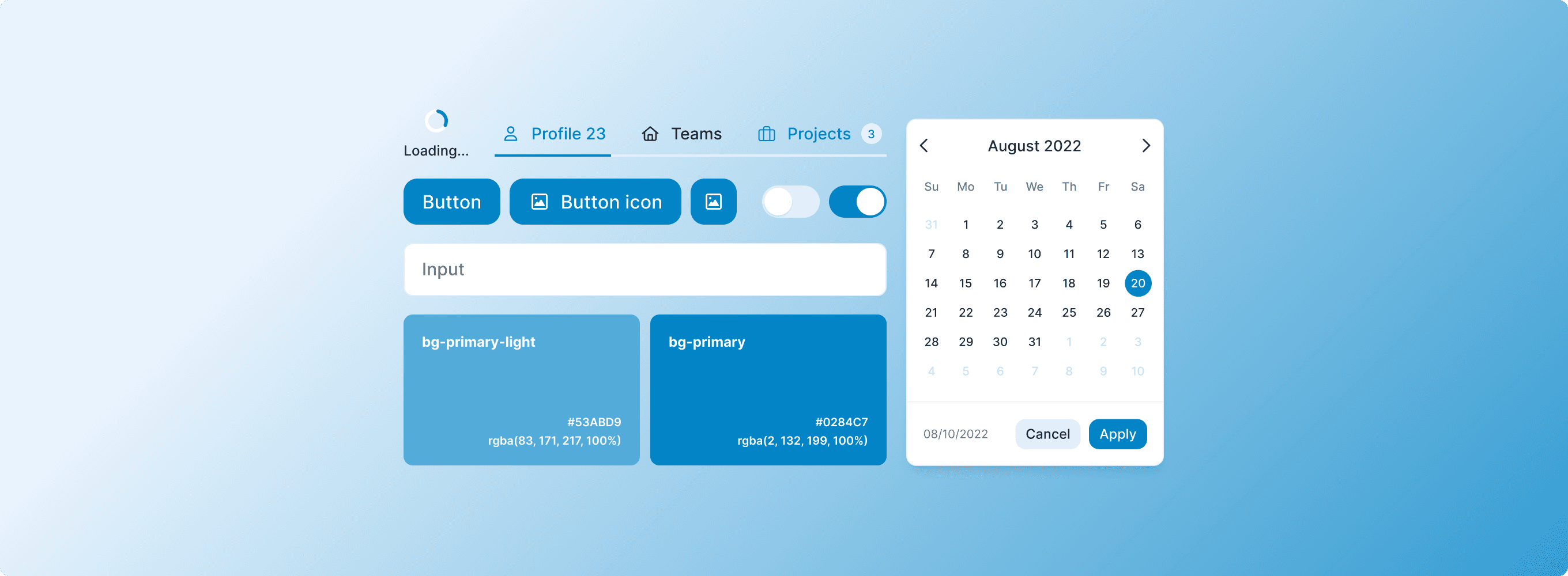
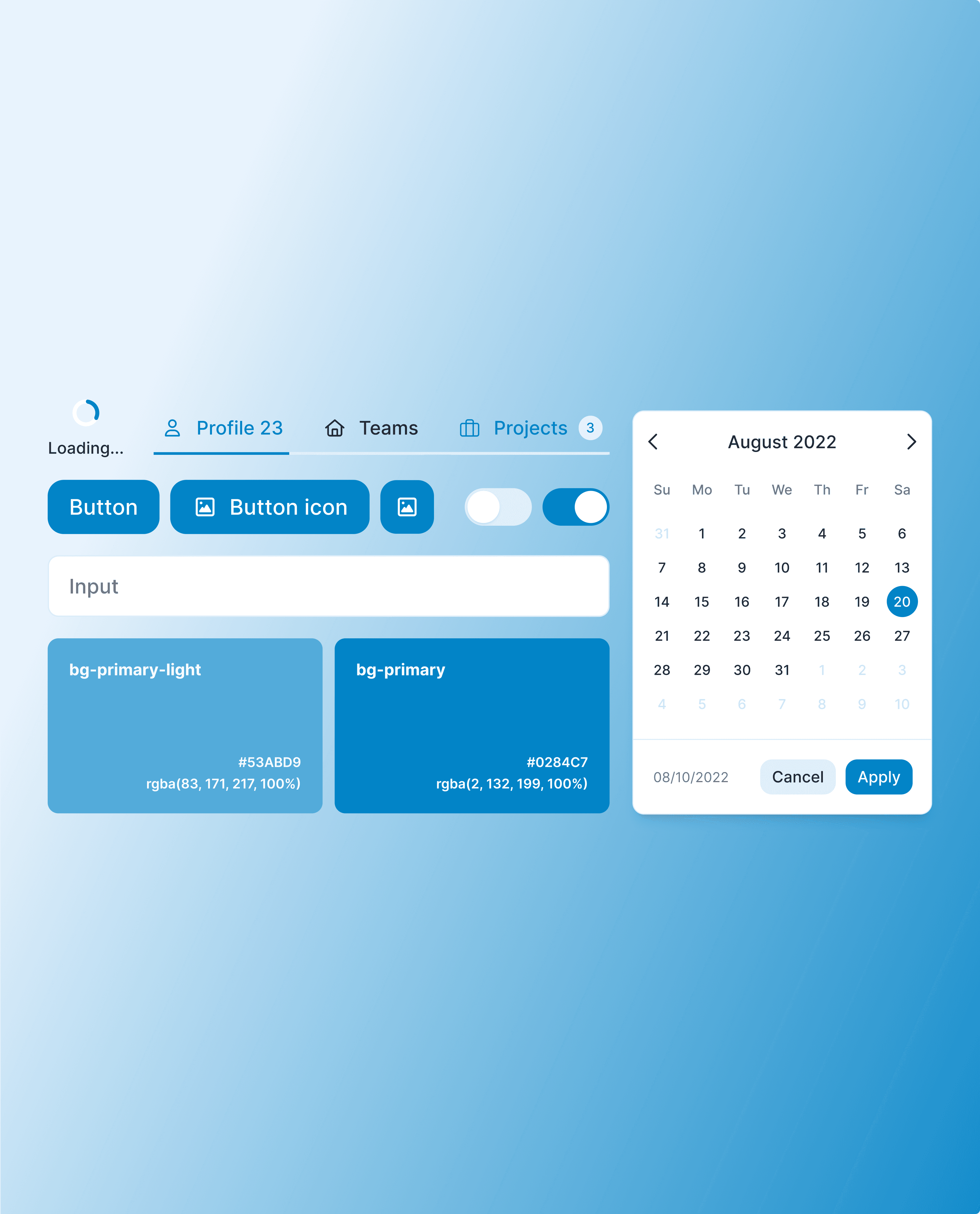
Aico is a Shopify-based commerce platform that unifies operations for brands and retailers.
Role
UI/UX designer
What I did
Design system setup
Maintaining system
Documentation
Dev handoff
Tools
Figma
Miro
Team
Iulia Toma
Mateo Monot
Overview
The challenge
Aico is a fast-growing startup where new features are designed and shipped every week. When I joined, there was no Figma design system in place, which led to inconsistencies across the product and slower design work overall. The challenge was to build one from scratch while simultaneously introducing new components, updating existing ones, and documenting everything along the way.
The solution
We built the design system incrementally alongside active product work, first establishing core foundations (tokens, typography, and colour) before expanding into components. Each element was documented directly in Figma to make adoption as frictionless as possible for the team. The result was a shared visual language that reduced design inconsistencies and made it noticeably faster to design and ship new features.
Process
We started by researching existing design systems that matched Aico's setup most closely. From there, we took a suitable foundation file and refined it to fit our needs, updating components, fixing inconsistencies, and introducing new ones along the way. This approach let us move quickly without building everything from scratch.
File setup
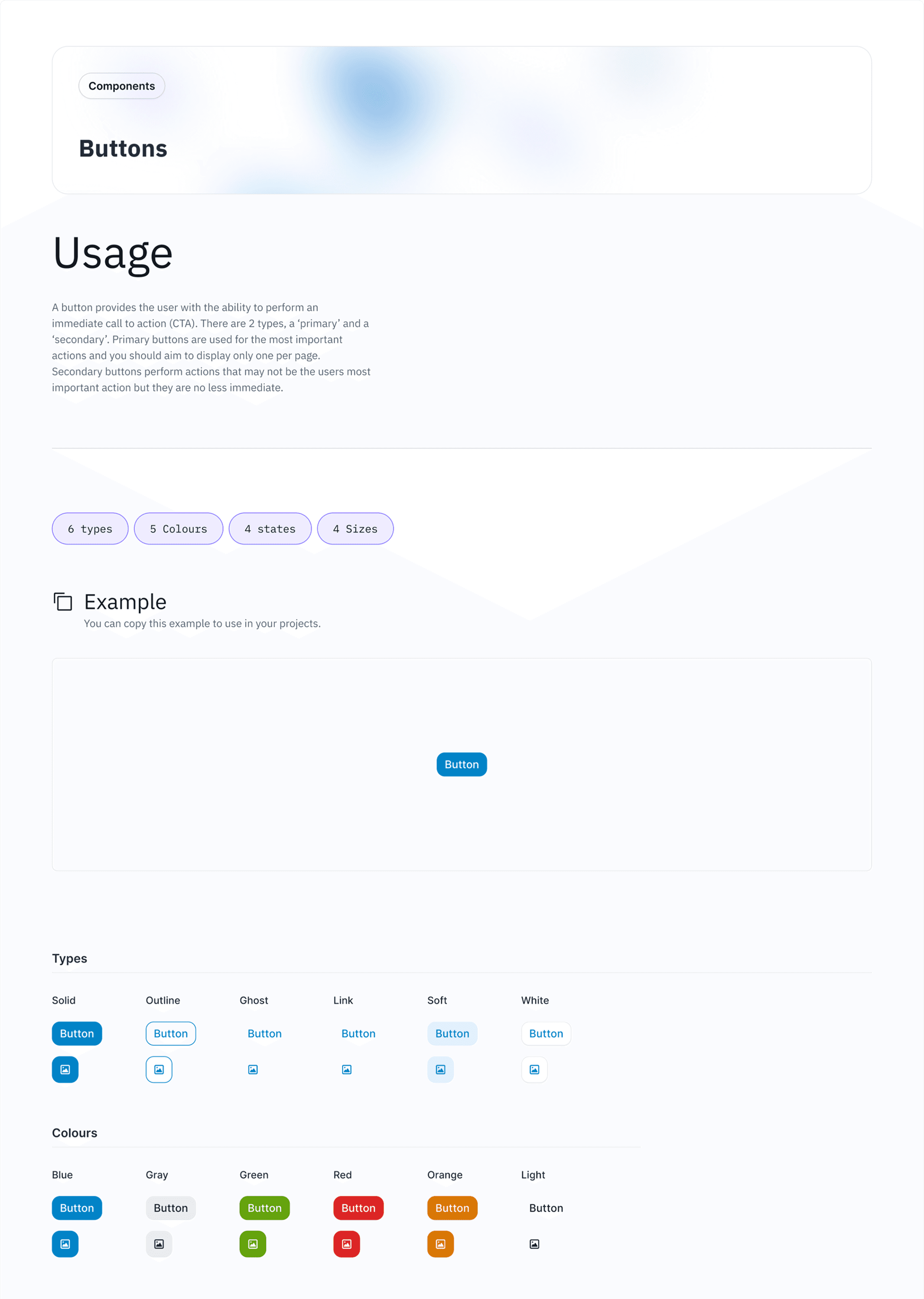
Each component came with its own usage page covering when and how to use it, alongside a dedicated page for the component itself. The aim was to make everything clear, informative, and easy to navigate for anyone working with the system.
Foundations
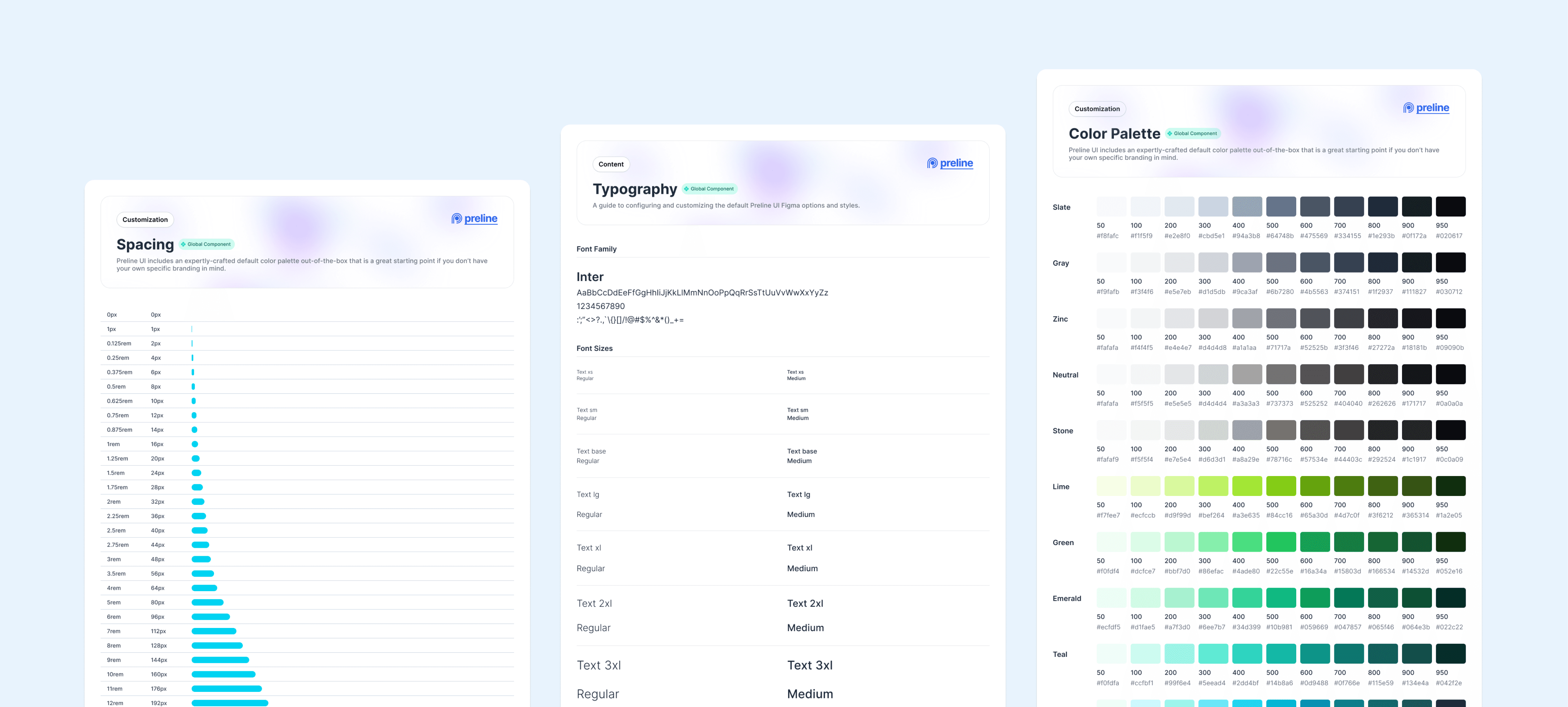
Before building out components, we established the core foundations, such as colour, typography, and spacing. Laying the groundwork in this way gave the entire system a consistent base and ensured that every component was built using the same shared language.
Components
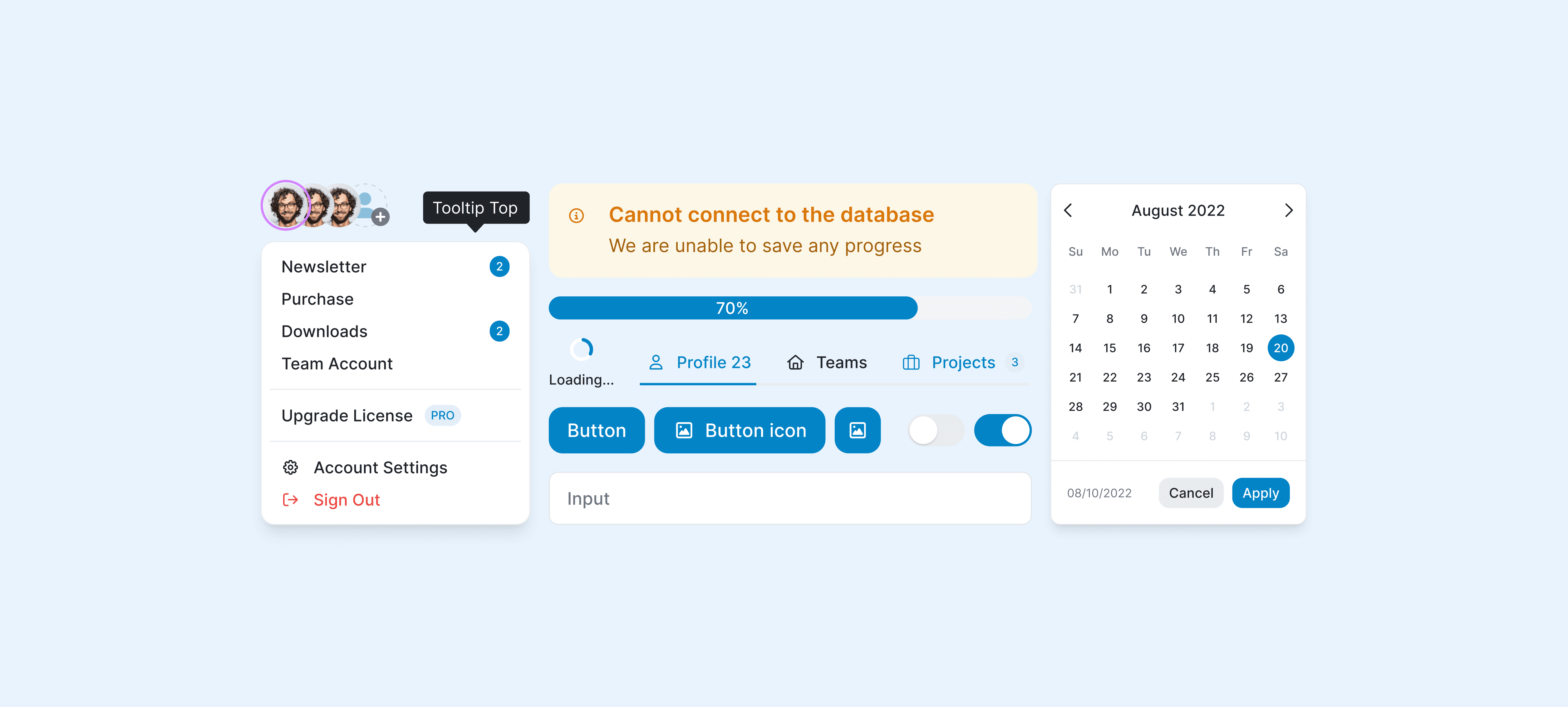
We built out a comprehensive library covering every component the product needed, from buttons and forms to modals, tables, navigation, and cards. Each component was designed with variants and states, as well as clear naming conventions, so that anyone on the team could use it without having to guess.
Documentation
The system was shared as a Figma library across the team. Before implementation, we walked developers through the components, leaving notes directly in the file to make sure nothing got lost in translation. Once deployed, we reviewed the output to make sure everything matched the design intent.
Outcome and impact
As the system matured, its impact became hard to ignore. UI screens that used to take hours to design could now be completed in minutes, and the team stopped rebuilding the same things repeatedly. Inconsistencies became the exception rather than the rule.
Learning
The main takeaway for me was how to manage my time wisely and make space for deep work. This project demanded a lot of time, and I didn't always have as much as I needed, so the real challenge became making the most of the hours I did have.